Rota, calendar, and hub
Ruqelo Workspace — Rota & Calendar
Keep scheduling, docs, library, and Agent confirmations in one signed-in clinical hub.
Who it is for
Signed-in clinicians who manage rotas, calendar revisions, and workspace tools beside clinical AI models.
How it works
- Sign in and open Ruqelo Workspace.
- Import or create shifts — text sync is available on every plan.
- Use AI workspace features and Agent on Plus or Elite as entitled.
- On Elite, use OCR rota import and transcription where enabled.
Product preview
Demo UI — synthetic data only
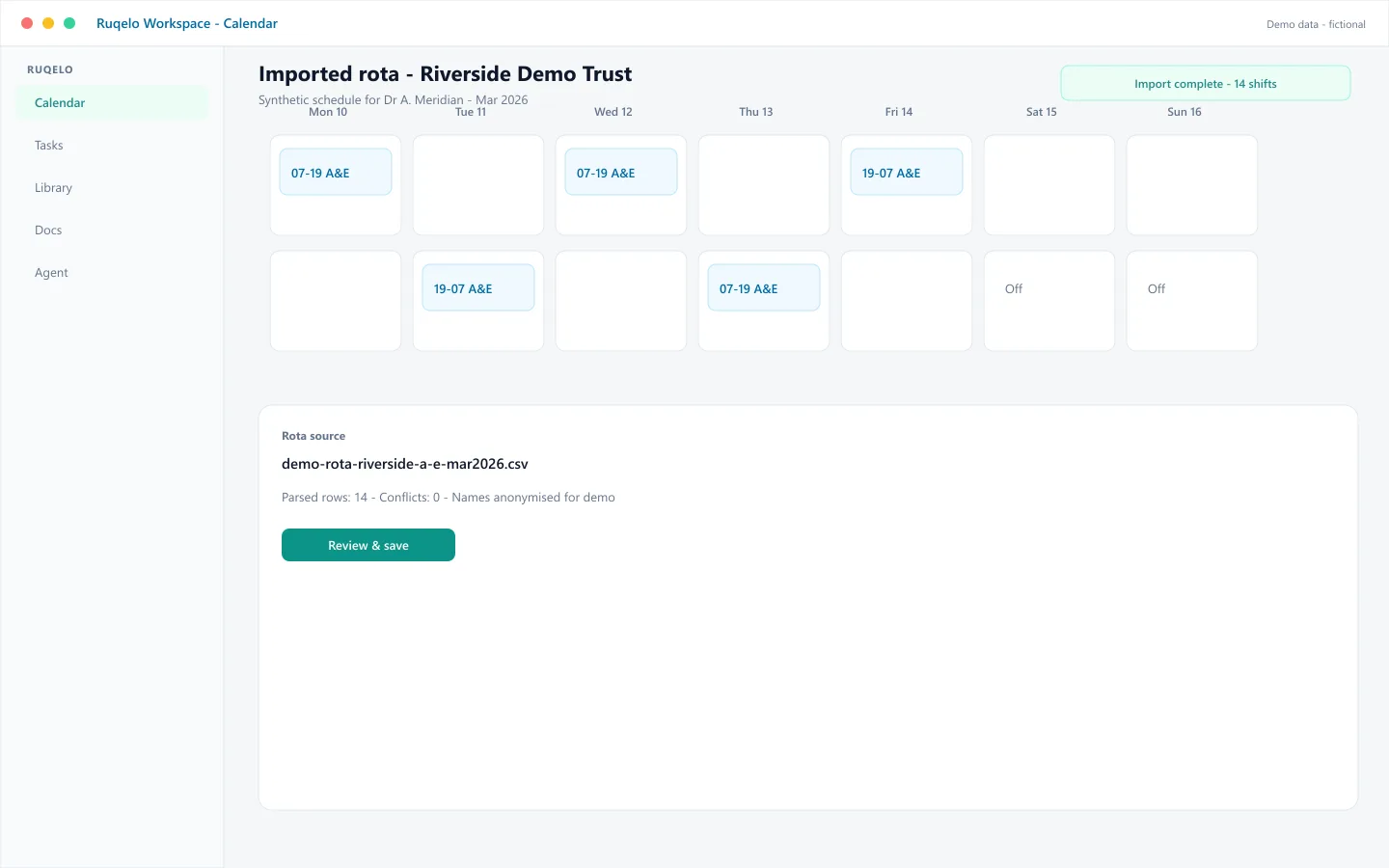
Synthetic demo — Riverside Demo Trust rota
A fictional calendar shows Dr A. Meridian’s imported week at Riverside Demo Trust. Revisions and Agent moves require one-tap confirm — nothing changes without you.
Connected context
Often leads to
Specialty relevance
Scheduling and workspace tools support clinicians across specialties and rota patterns.
Plan eligibility
- Basic
- Text sync
- Plus
- AI + Agent
- Elite
- OCR + transcription
Safety
Ruqelo drafts; the clinician decides.
Outputs are drafts for licensed healthcare professionals. Ruqelo is not a medical device and is not for patients or protected health information. See Clinical Governance & Safety.
FAQ
Is Workspace free with an account?
Text-only cloud sync is available to every signed-in user. AI, OCR, and Agent follow plan entitlements.
Does Agent change my calendar automatically?
No. Ruqelo Agent asks for one-tap confirm before anything happens.