One-tap confirm actions
Ruqelo Agent — One-Tap Confirm
Propose calendar and workspace actions on your data — nothing runs until you confirm.
Who it is for
Plus and Elite clinicians who want assisted workspace actions without silent automation.
How it works
- Open Ruqelo Workspace with Agent enabled on your plan.
- Ask Agent to propose a change on your own data.
- Review the proposed action carefully.
- One-tap confirm — or cancel — before anything is applied.
Product preview
Demo UI — synthetic data only
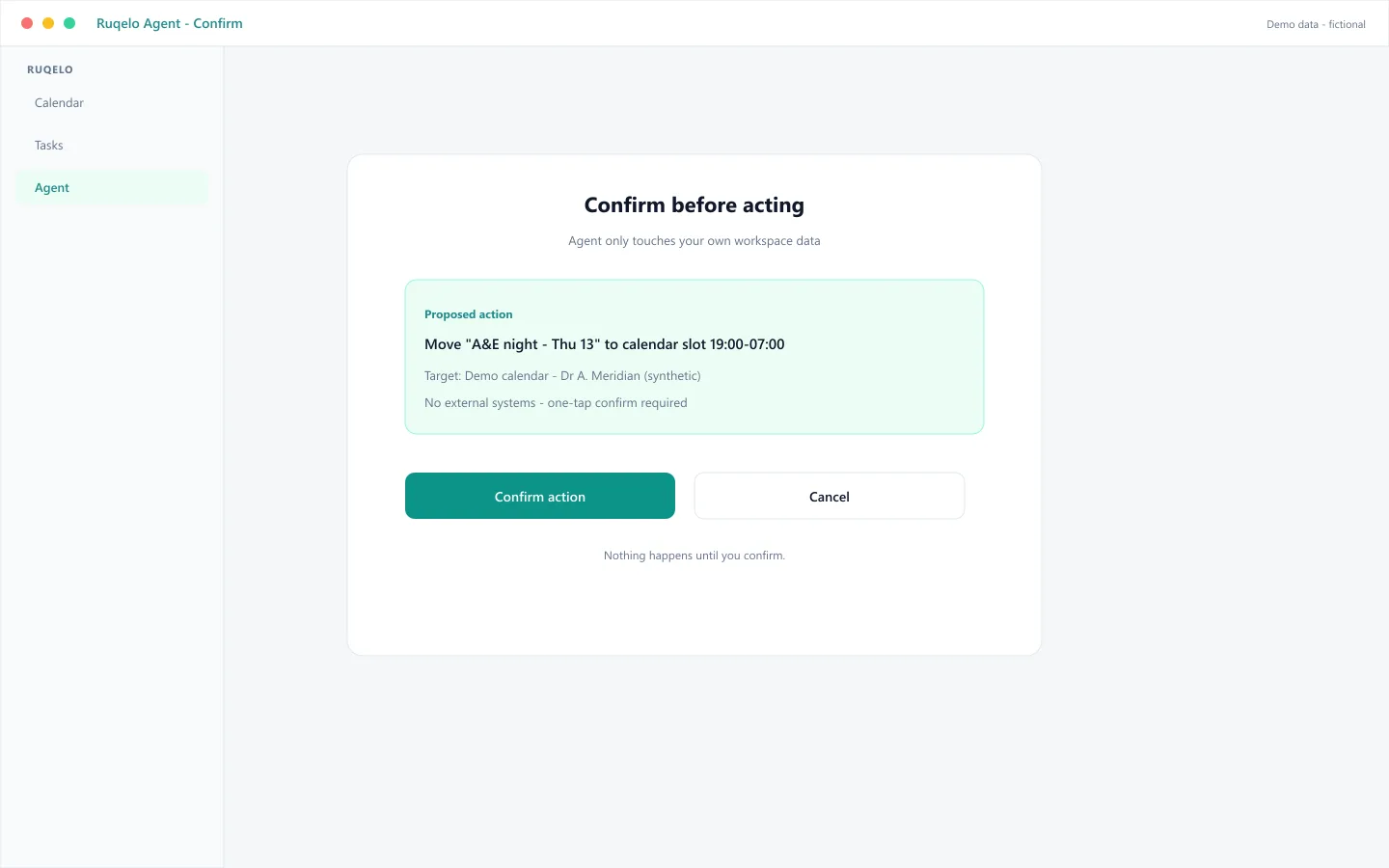
Synthetic demo — A&E night shift move
Agent proposes moving a synthetic A&E night shift on the calendar and waits at a confirm step. No change is written until the clinician taps confirm.
Connected context
Often follows
Often leads to
Specialty relevance
Works with any clinician rota stored in your workspace — specialty-agnostic scheduling assistance.
Plan eligibility
- Basic
- Not included
- Plus
- Included
- Elite
- Included
Safety
Ruqelo drafts; the clinician decides.
Outputs are drafts for licensed healthcare professionals. Ruqelo is not a medical device and is not for patients or protected health information. See Clinical Governance & Safety.
FAQ
Can Agent act without my confirmation?
No. One-tap confirm is required before Agent applies changes to your data.
Which plans include Agent?
Plus and Elite. Basic does not include Agent.