Clinical documentation
Klaero — Clinical Documentation
Turn de-identified case detail into structured notes shaped to your specialty — ready to verify and paste into the EMR.
Who it is for
Licensed clinicians who need specialty-aware documentation drafts across emergency, wards, clinic, and procedure notes.
How it works
- Enter de-identified case detail — no patient-identifiable information.
- Confirm specialty and note format or encounter type.
- Choose Instant, Thinking, or Extended depth based on your plan.
- Review honesty markers and empty sections, then edit before EMR paste-back.
Product preview
Demo UI — synthetic data only
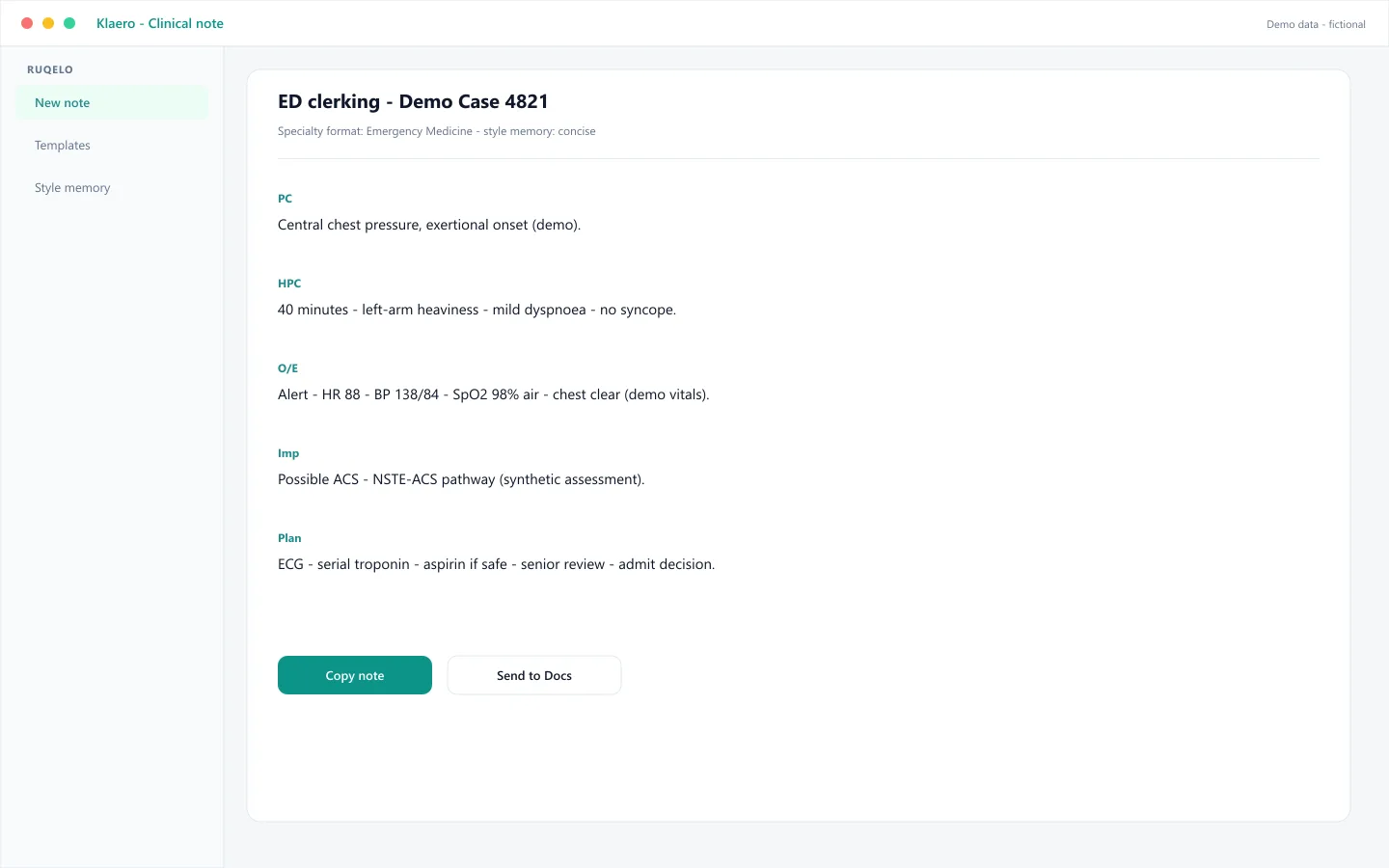
Synthetic demo — ED clerking (Demo Case 4821)
Adult with chest discomfort and risk factors. Klaero drafts an emergency clerking note with chief complaint, focused history, exam placeholders, and plan sections marked where findings were not provided — no invented normals.
Connected context
Often follows
Often leads to
Specialty relevance
Formats adapt across emergency, medicine, surgery, obstetrics, psychiatry, and other clinical groups in Ruqelo.
Attach doctor-calculated scores from Ruqelo Calculators when documenting risk stratification. Browse calculators
Plan eligibility
- Basic
- Instant mode
- Plus
- Thinking mode
- Elite
- Extended mode
Safety
Ruqelo drafts; the clinician decides.
Outputs are drafts for licensed healthcare professionals. Ruqelo is not a medical device and is not for patients or protected health information. See Clinical Governance & Safety.
FAQ
Does Klaero invent examination findings?
No. Empty core sections should show honest markers. Never paste unverified text into the chart.
Which response modes are available?
Instant on every plan, Thinking on Plus and Elite, Extended on Elite.
Is there a clinician guide?
Yes — see the Klaero clinician guide for workflow tips.